

Description
Download BandLab APK – Free Music Creation Tool, Digital Audio Workstation, Music Making App
Overview
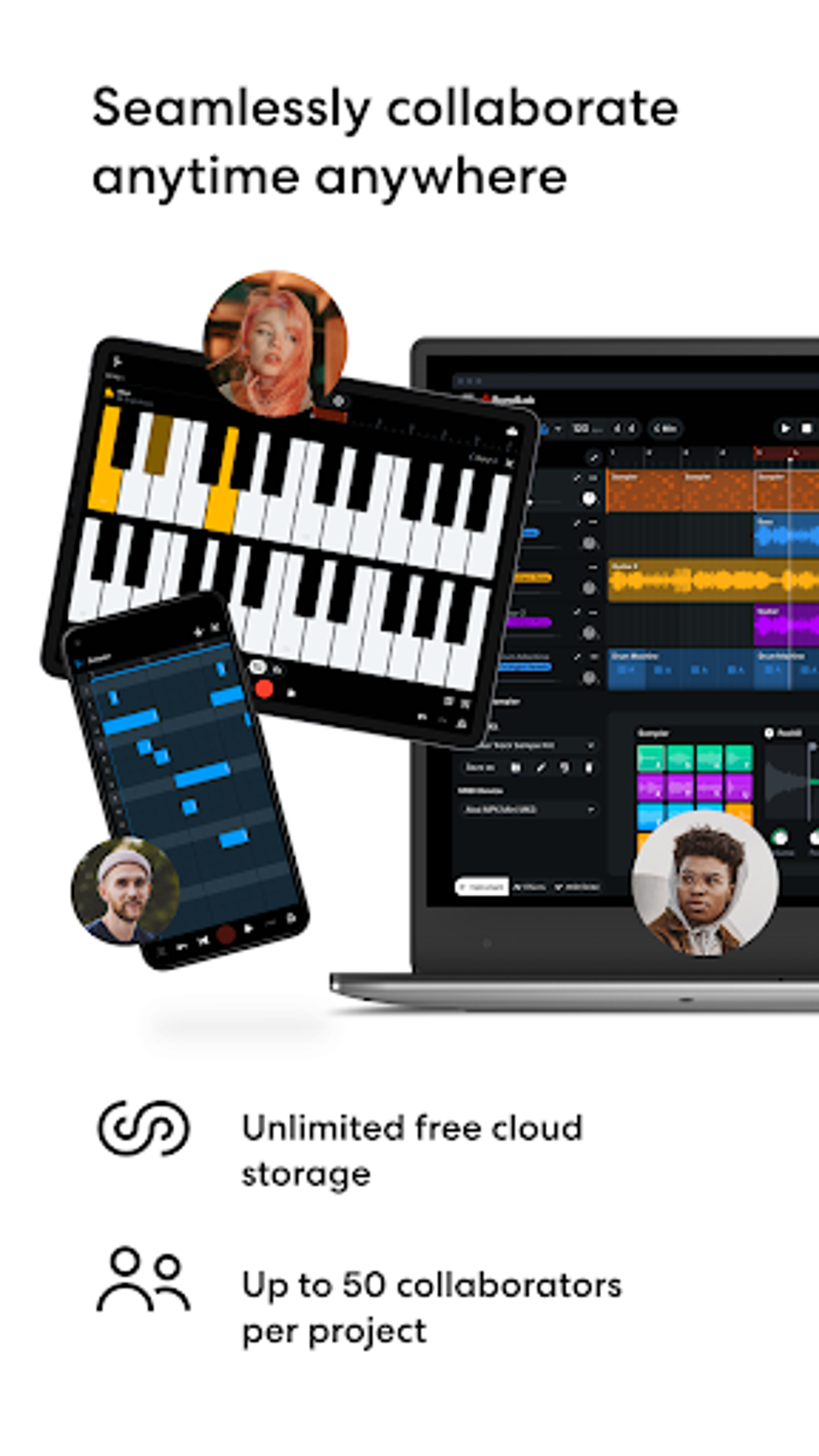
BandLab is a free digital audio workstation (DAW) developed by BandLab Technologies, designed to empower users of all skill levels to create, edit, and share music. As a multimedia application, it serves both as a music production tool and a social platform, enabling creators to record, remix, and collaborate on tracks in real time. The software is accessible across mobile devices, tablets, and web browsers, offering a seamless experience for users who prefer mobile-first workflows. It is particularly well-suited for beginners, hobbyists, and emerging musicians who want to explore music production without the complexity of traditional desktop DAWs.
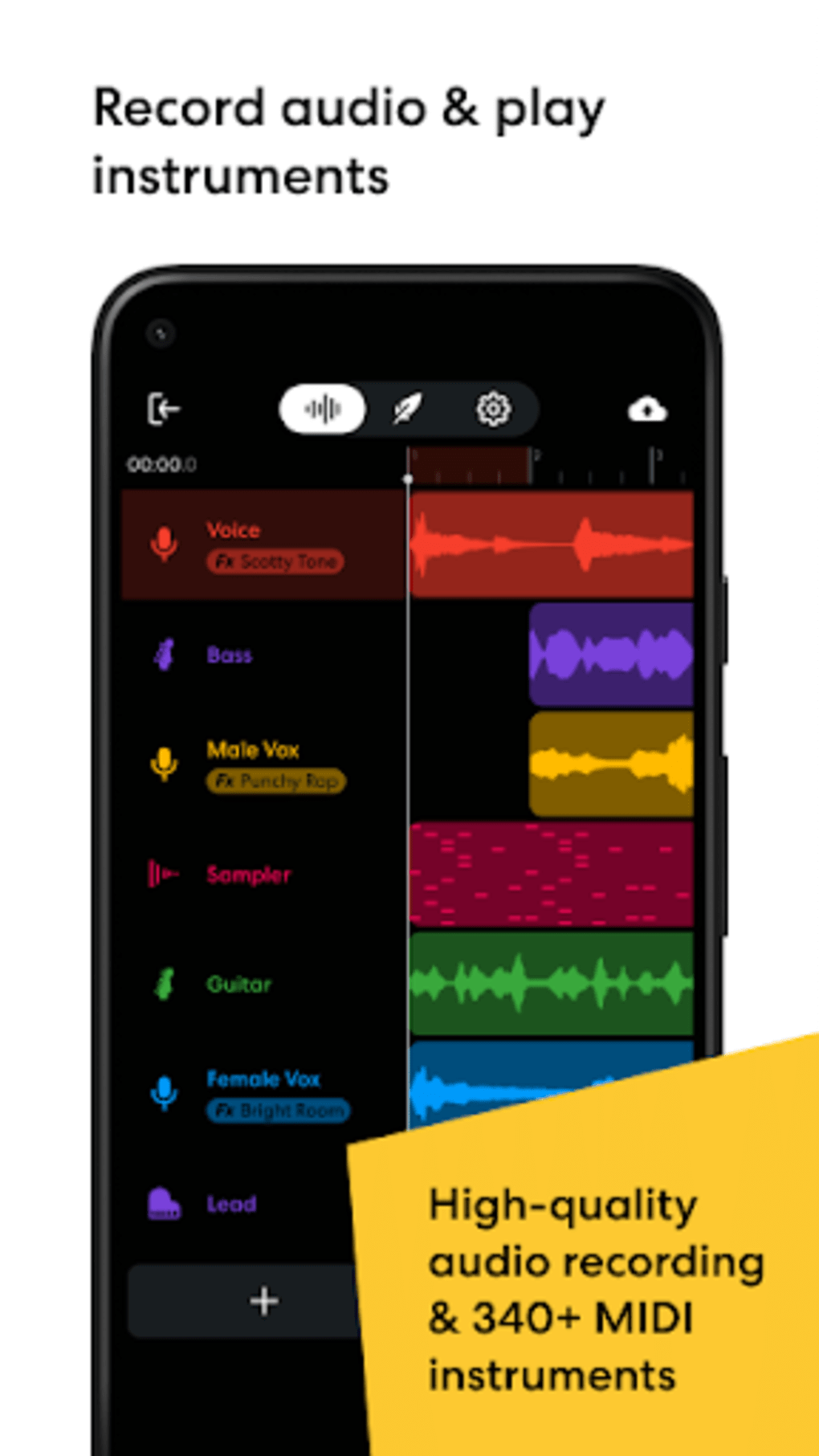
BandLab addresses common barriers to music creation by eliminating cost, simplifying workflows, and integrating community engagement directly into the platform. Users can record vocals, instrument tracks, and beats, apply effects, and edit audio using intuitive tools such as the multi-track Mix Editor and tap tempo functionality. The app also includes a lyric editor and magnetic timeline, features that enhance precision and creativity. With unlimited cloud storage, users are not constrained by file size or project limits, allowing for continuous creative exploration.
Real-world use cases include independent artists producing demos, students learning music theory through hands-on creation, and remote collaborators building tracks across different locations. The social features enable users to follow other musicians, share their work, and participate in live streams hosted by creators and performers. While BandLab is not available as a desktop application for Windows or Mac, its mobile and web versions provide a robust alternative for users whose primary devices are smartphones or tablets.
Key Features & Capabilities
- Multi-track Mix Editor: Allows users to record, layer, and edit multiple audio tracks simultaneously, providing a foundational toolset for composition and arrangement.
- Tap Tempo & Magnetic Timeline: Enables precise tempo alignment and intuitive track placement, helping users maintain rhythm and structure during production.
- Lyric Editor: Offers a dedicated interface for writing and syncing lyrics with music, ideal for songwriters and vocalists.
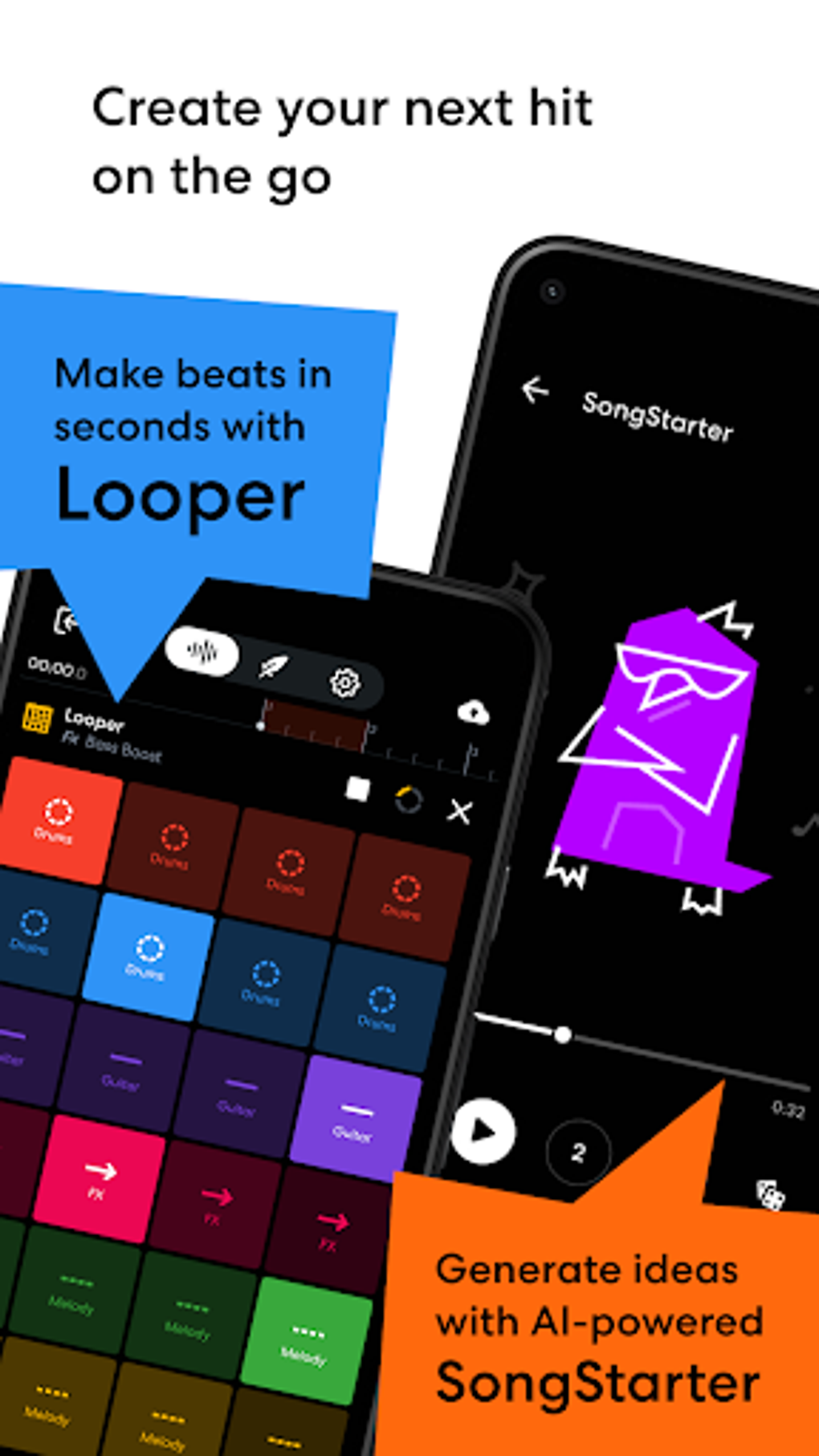
- Royalty-Free Sound Packs: Includes loops and samples across various genres, allowing users to build beats and instrumentals without licensing concerns.
- Unlimited Cloud Storage: Ensures all projects, recordings, and assets are securely saved and accessible from any device with an internet connection.
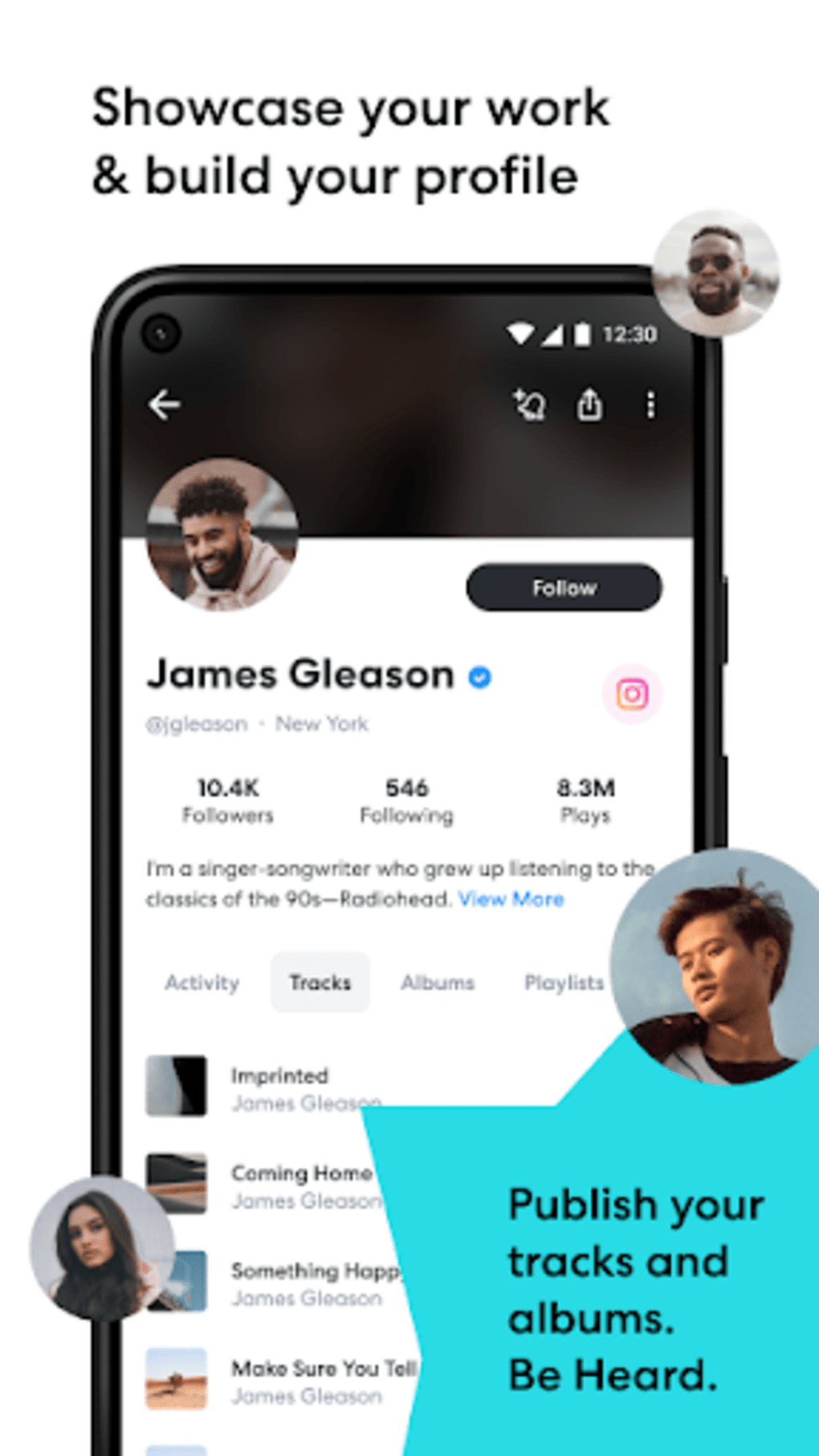
- Social Collaboration Platform: Facilitates real-time collaboration, track sharing, and community interaction, enabling users to connect with other musicians globally.
- Live Stream Access: Provides access to live performances and creator sessions, offering inspiration and educational value for users.
These features collectively support a complete music creation lifecycle—from initial idea to final mix—while fostering a sense of community. For example, a beginner can use the tap tempo and loops to build a basic beat, then use the lyric editor to write a song, and finally share it with a global audience. Similarly, a professional composer might use the platform to collaborate remotely with a vocalist in another country, combining tracks through cloud sync. The integration of social features transforms BandLab from a simple tool into a dynamic ecosystem for creative exchange.
User Interface, Workflow & Performance
The user interface of BandLab is designed with simplicity and accessibility in mind, featuring a clean layout that prioritizes core functions like recording, editing, and sharing. Navigation is intuitive, with clearly labeled tabs and a central workspace that adapts to different tasks such as beat-making, vocal recording, or mixing. The workflow is streamlined, allowing users to transition between stages of music production with minimal friction.
Users are prompted to set up a profile upon first use, selecting roles such as singer, composer, or DJ, and choosing preferred music genres. This personalization influences content recommendations and community interactions. While the developer did not specify resource usage details, the application is optimized for mobile and web environments, suggesting efficient memory and CPU management for typical use cases.
Performance observations are based on general software behavior patterns. The app operates smoothly on supported devices, with minimal lag during track editing and playback. Stability appears consistent across sessions, though prolonged use may depend on device capabilities and internet connectivity. The reliance on cloud services means that some functions—like project access and collaboration—require a stable connection, but offline editing is not currently supported.
Compatibility & System Requirements
BandLab is available on Android, iOS, and web platforms. It is distributed via the Google Play Store, Apple App Store, and directly through the web browser. The software is designed for mobile devices and tablets, with no official desktop version for Windows or Mac. The developer did not provide specific installation size or hardware requirements, nor did they list exact system specifications.
Compatibility information is limited to the platforms mentioned. While the app functions on various mobile devices, performance may vary based on individual device capabilities, such as processor speed, RAM, and available storage. The developer did not specify whether older devices are supported or if there are minimum OS versions required. Users should consult their device’s app store for compatibility details.
Pros and Cons
Pros
- Free to download and use with no hidden fees or premium plans.
- Includes professional-grade tools such as multi-track editing, tap tempo, and magnetic timeline.
- Offers unlimited cloud storage for all projects and assets.
- Features a built-in social platform for collaboration, sharing, and discovery.
- Accessible on mobile, tablet, and web—ideal for users on the go.
- Provides royalty-free sound packs and loops across multiple genres.
Cons
- Not available as a desktop application for Windows or Mac.
- Relies heavily on internet connectivity for full functionality.
- Performance may vary depending on device capabilities and network conditions.
- Advanced features may be less intuitive for users accustomed to desktop DAWs.
- Developer did not provide detailed system requirements or performance benchmarks.
FAQ Section
Is BandLab available for Windows or Mac?
BandLab is not available as a desktop application for Windows or Mac. It is designed for Android, iOS, and web platforms.
Is BandLab safe to download and use?
BandLab is developed by BandLab Technologies and distributed through official app stores and the web. It is considered secure when downloaded from trusted sources.
Can I use BandLab offline?
While some basic editing functions may be accessible offline, full functionality—including cloud sync, collaboration, and live streams—requires an active internet connection.
Does BandLab offer a free version?
Yes, BandLab is completely free to download and use. There are no premium plans or hidden costs.
How often does BandLab update?
Regular updates are released to improve features, fix bugs, and enhance performance. Users are encouraged to keep the app updated via their device’s app store.
Final Thoughts
BandLab stands out as a powerful, accessible music creation tool that combines professional functionality with a vibrant social community. While it lacks a desktop version for Windows and Mac, its mobile and web availability makes it an excellent choice for users who prioritize portability and ease of use. The inclusion of unlimited cloud storage, royalty-free content, and real-time collaboration features elevates it beyond a simple DAW into a comprehensive creative ecosystem.
It is ideal for beginners exploring music production, hobbyists looking to experiment, and even professionals seeking collaborative opportunities. The app’s intuitive design and free access lower the barrier to entry, making music creation more inclusive than ever. For those who value community, creativity, and flexibility, BandLab delivers a compelling experience.
Download BandLab now and start creating music today.
Guides & Tutorials for BandLab APK
How to install BandLab APK
- Click the Preview / Download button above.
- Once redirected, accept the terms and click Install.
- Wait for the BandLab APK download to finish on your device.
How to use BandLab APK
This software is primarily used for its core features described above. Open the app after installation to explore its capabilities.
User Reviews for BandLab APK 0
No reviews found





